Wedding Invitation QR Code Generator
Add Google Maps venue directions and digital RSVPs to physical wedding invitation cards.
Built for businesses, creators, and event teams creating print-ready vector Wedding invitation QR code for packaging, flyers, and digital media.
Wedding Invitation Bundle Payload
Enter details below to generate vector scannable code
Planning to print on physical standees or packaging?
Pro FeatureAvoid reprint costs. Dynamic QR codes let you change your destination URL anytime after printing, plus track real-time customer scan analytics by city and device.
Wedding Invitation QR Code Generator For RSVP & Maps
A wedding invitation QR code adds interactive convenience to paper wedding stationery. Scanners can open Google Maps driving directions to the banquet hall, fill out digital RSVP forms, or view ceremony schedules.
Clean Vector Geometry for Stationery
Exports clean vector SVG paths suitable for professional stationery printing methods like letterpress, foil stamping, or digital print.
Wedding Color Palettes & Framing
Select from refined palettes (e.g. champagne gold, blush rose, sage green, navy) with subtle corner frames matching your stationery suite.
RSVP & Venue Directions Link
Connect guests directly to your wedding website, Google Maps venue pin, or digital RSVP form.
View Technical Encoding Specifications
https://yourweddingwebsite.com/rsvpHow to create a Wedding invitation QR Code
Follow these 4 verified steps in the editor above to configure, style, test, and export your scannable code.
Enter your wedding website link, Google Maps banquet location, or digital RSVP link
Enter your destination URL, payment details, or text in the editor above.
Select elegant styling (such as gold, burgundy, or classic charcoal) with an ornate frame
Select custom corner eyes, dot patterns, brand colors, and add an eye-catching call-to-action frame.
Download vector PDF or SVG for your wedding card printer
Preview the generated matrix on screen and verify reliable optical detection with your smartphone camera.
Print a test card and verify that the map or website opens cleanly
Download high-resolution vector SVG, PDF, or crisp PNG files ready for screen or commercial print.
Real-world business use cases
Practical applications across physical checkout counters, corporate collateral, packaging, and commercial displays.
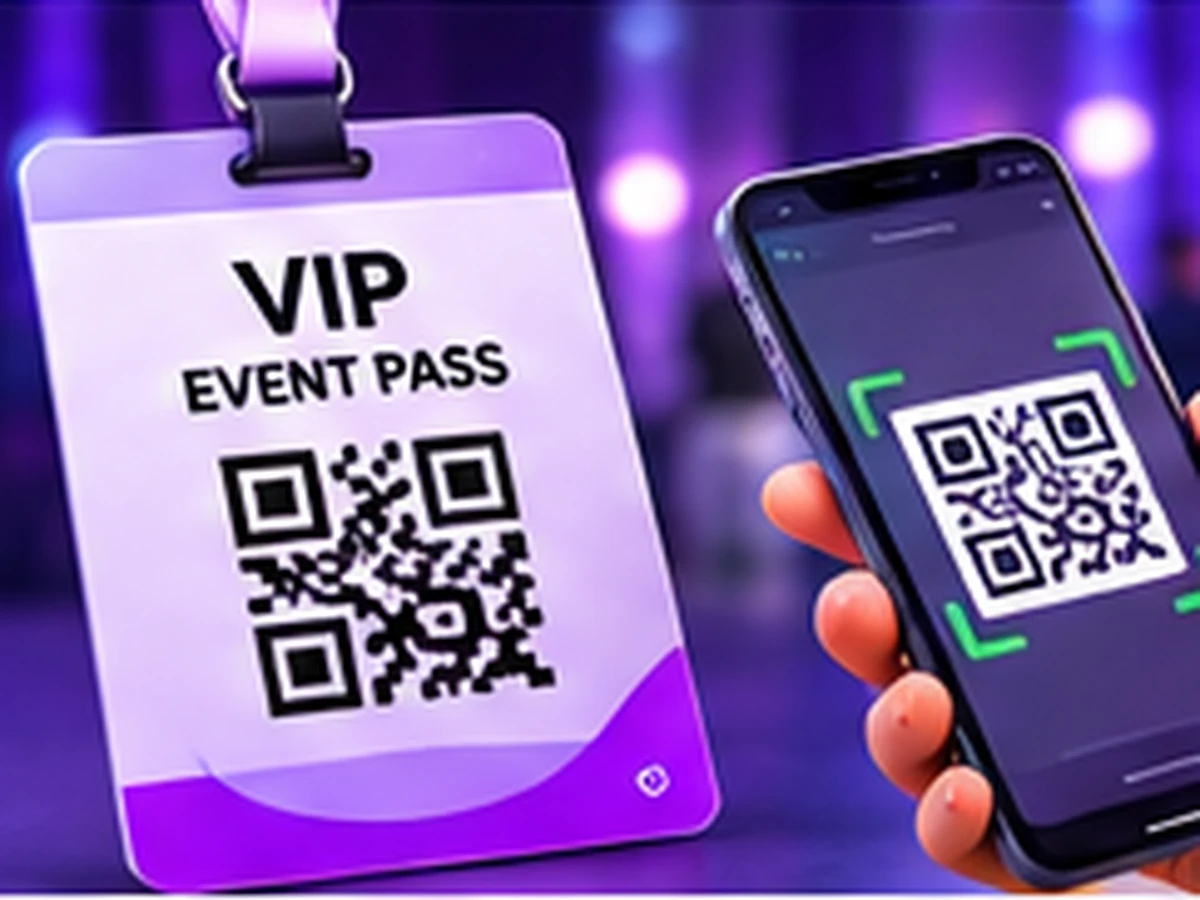
Wedding card inserts and luxury envelope cards.
Banquet hall entrance standees and table seating cards.
Post-wedding thank-you notes linking to the photo album.
What Guests See When Scanning Your Wedding Card QR
Guests scan physical wedding invitation cards to open venue directions in Google Maps, add the celebration to Google Calendar in 1-tap, RSVP via WhatsApp, and watch your couple story video.
1-tap Google Calendar reminder, Google Maps navigation, and effortless WhatsApp RSVP.
Launch Mobile View →Static vs. Dynamic QR Codes: Which One Do You Need?
Choose between permanent direct-encoded codes (free forever, zero accounts) and high-speed cloud redirects (update links anytime & track scans).
Static QR Code
Data is written directly inside the QR image. The camera scans it offline with zero servers involved.
- Never ExpiresWorks for life
- No Account RequiredNo sign-up or card
- Works 100% OfflineNo server hops
- High-Res Vector ExportsSVG, PDF & PNG
- Change Link After PrintingNo (Permanently etched)
- Scan Counts & AnalyticsNone (Camera-to-target)
Wi-Fi password signs, personal business cards, shop counter UPI plates, book pages, and permanent physical labels.
Dynamic QR Code
Points to a short link that forwards visitors. You can change where it goes anytime from your screen.
- Change Link After PrintingUpdate link anytime
- Scan Analytics & StatsTotal scans, devices, cities
- Fix Typos Without Re-PrintingZero reprint waste
- High-Res Vector ExportsSVG, PDF & PNG
- Password & Expiry LimitsOptional protection
- Server DependencyGlobal edge cloud redirect
Direct wedding guests to your celebration schedule, venue map coordinates, and digital photo albums. Update itinerary timing smoothly if weather shifts reception hours.
Frequently Asked Questions About Wedding Invitation QR Code
Demonstrable facts regarding data encoding standards, printing limits, security, and scanner app compatibility.
Will wedding invitation printers accept these files?
Yes. Vector SVG and PDF files are accepted by professional letterpress, digital, and card printing presses.
Can I link to both directions and an RSVP page?
Yes, link the code to a simple wedding website or landing page that contains both directions and the RSVP form.
Which download format is best for printing a wedding invitation qr code?
For physical signs and packaging, vector SVG or PDF provides razor-sharp reproduction for your wedding invitation qr code, while high-resolution PNG is optimal for displaying your on screens, presentations, and email footers.
Can I change where this wedding invitation qr code points after printing?
With a dynamic wedding invitation qr code, you can redirect scanners from your dashboard without reprinting, whereas a static code hardcodes the target into the matrix.
Related QR code generators & technical guides
Discover complementary tools, industry formats, and print specifications for your business.
Ready to Generate Your Wedding Invitation QR Code?
Create your code now with custom framing, verified high contrast, and vector SVG or high-resolution exports ready for screen or physical print.