Payment Link QR Code Generator
Turn payment gateway checkout links into instant scannable payment codes.
Invoices, fee collection, deposits and online sellers who put one payment link on stickers and packaging.
Website URL Payload
Enter details below to generate vector scannable code
Planning to print on physical standees or packaging?
Pro FeatureAvoid reprint costs. Dynamic QR codes let you change your destination URL anytime after printing, plus track real-time customer scan analytics by city and device.
Payment Link QR Code For Print & Digital Use
A payment link QR code opens an online payment page when scanned. Paste a checkout link from your payment gateway, and this payment link QR code generator creates a scannable code for invoices, stickers, and packaging. It suits transactions requiring cards, netbanking, fixed amounts, or line items that a basic UPI code does not carry. Embedro does not process payments; all transactions settle directly through your payment gateway.
Direct Link to payment link
Direct static encoding ensures reliable scanning on standard smartphone camera apps to open payment link.
Custom Brand Framing & Badges
Choose from 10+ frame styles with customizable call-to-action text, brand colors, and center logo embedding.
Vector SVG & High-Resolution Formats
Export resolution-independent vector SVG for commercial printing, plus high-res PNG and print-ready PDF.
View Technical Encoding Specifications
https://example.com/destinationHow to create a payment link QR Code
Follow these 4 verified steps in the editor above to configure, style, test, and export your scannable code.
Create a reusable payment link in your gateway dashboard
Specify the amount, description, and currency.
Copy the checkout link and paste it into the generator
Select custom corner eyes, dot patterns, brand colors, and add an eye-catching call-to-action frame.
Choose high-contrast brand colours and an action frame such as Scan to Pay
Preview the generated matrix on screen and verify reliable optical detection with your smartphone camera.
Scan the generated code with your phone camera and confirm it loads your merchant checkout page
Download high-resolution vector SVG, PDF, or crisp PNG files ready for screen or commercial print.
Real-world business use cases
Practical applications across physical checkout counters, corporate collateral, packaging, and commercial displays.
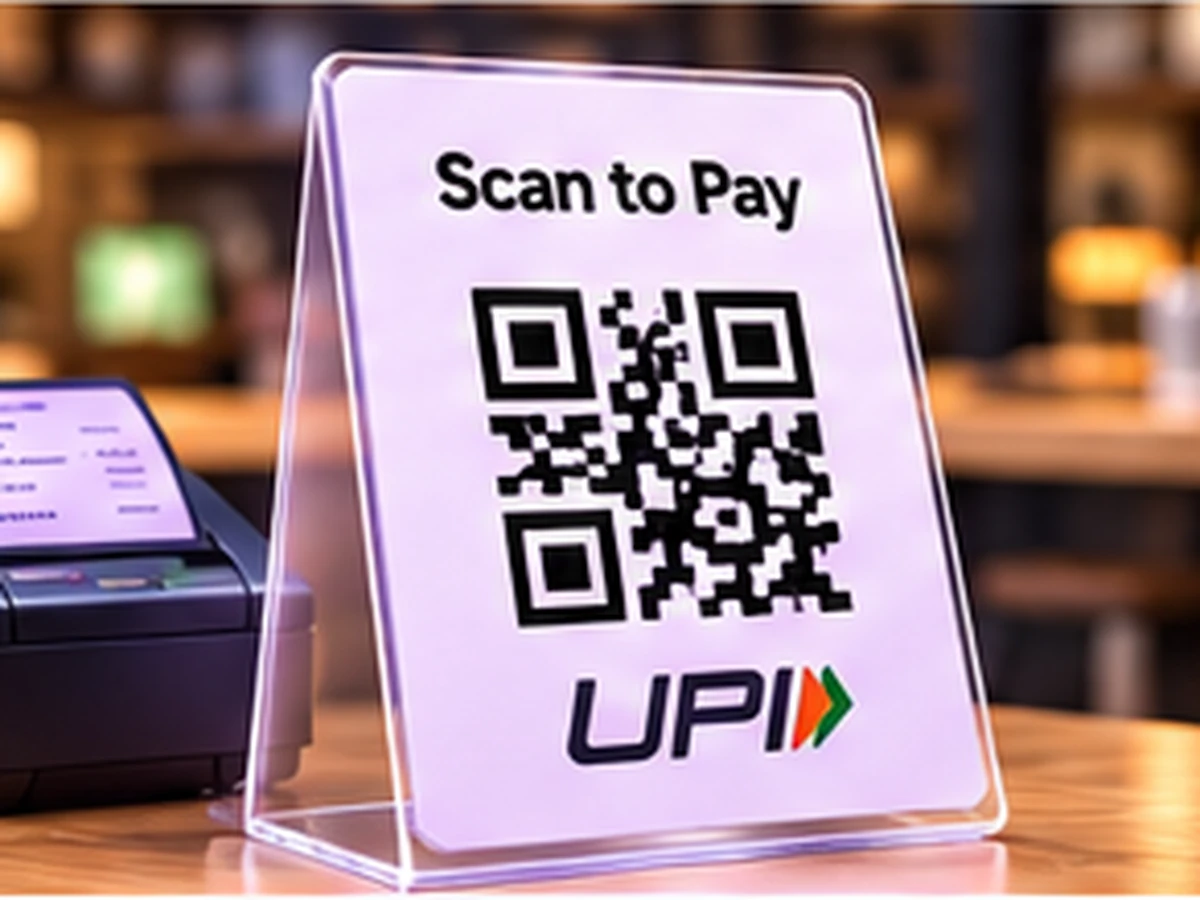
Fee collection for schools, coaching centres, and athletic clubs.
Booking advance deposits for photographers, salons, and event planners.
Freelancer, consultant, and creative agency invoice PDFs.
Product packaging and parcel inserts for easy customer reorders.
Workshop, seminar, and conference registration posters.
Society maintenance, HOA dues, and community subscription collections.
Static vs. Dynamic QR Codes: Which One Do You Need?
Choose between permanent direct-encoded codes (free forever, zero accounts) and high-speed cloud redirects (update links anytime & track scans).
Static QR Code
Data is written directly inside the QR image. The camera scans it offline with zero servers involved.
- Never ExpiresWorks for life
- No Account RequiredNo sign-up or card
- Works 100% OfflineNo server hops
- High-Res Vector ExportsSVG, PDF & PNG
- Change Link After PrintingNo (Permanently etched)
- Scan Counts & AnalyticsNone (Camera-to-target)
Wi-Fi password signs, personal business cards, shop counter UPI plates, book pages, and permanent physical labels.
Dynamic QR Code
Points to a short link that forwards visitors. You can change where it goes anytime from your screen.
- Change Link After PrintingUpdate link anytime
- Scan Analytics & StatsTotal scans, devices, cities
- Fix Typos Without Re-PrintingZero reprint waste
- High-Res Vector ExportsSVG, PDF & PNG
- Password & Expiry LimitsOptional protection
- Server DependencyGlobal edge cloud redirect
Payment link QR codes embed your secure payment gateway checkout URL straight into the QR matrix. Customers navigate directly to your gateway checkout page without intermediary proxy hops.
Frequently Asked Questions About Payment Link QR Code
Demonstrable facts regarding data encoding standards, printing limits, security, and scanner app compatibility.
Which payment links are supported?
Any standard HTTPS payment checkout URL is supported. Simply paste your payment gateway link into the field to generate the scannable code.
Is it safe to print a payment link QR code?
Yes, provided you use a permanent reusable link rather than a single-use invoice link. Always test-scan your printed proof before large commercial print runs.
Does Embedro charge transaction fees or process payments?
No. Embedro never handles transaction funds, bank details, or processing. Payments settle directly between your customer and your chosen payment gateway according to your gateway agreement.
Should I use a UPI QR or a payment link QR?
A UPI QR is ideal for direct, instant bank transfers within India. A payment link QR is preferable when you need to accept credit cards, debit cards, international currencies, or itemized gateway invoices.
Related QR code generators & technical guides
Discover complementary tools, industry formats, and print specifications for your business.
Ready to Generate Your Payment Link QR Code?
Create your code now with custom framing, verified high contrast, and vector SVG or high-resolution exports ready for screen or physical print.