Free vCard QR Code Generator to Save Contacts
Direct contact card encoding. When scanned with any smartphone camera, it immediately prompts the user to add your details to their phone contacts.
Sales executives, consultants, medical practitioners, and business owners. Print on physical visiting cards and conference name tags.
Contact Card (vCard) Payload
Enter details below to generate vector scannable code
Planning to print on physical standees or packaging?
Pro FeatureAvoid reprint costs. Dynamic QR codes let you change your vcard destination URL anytime after printing, plus track real-time customer scan analytics by city and device.
Digital vCard QR Code Generator For Business Cards
A vCard QR code encodes your complete professional contact details directly into the scannable matrix using the international RFC contact format. When a client, recruiter, or business partner scans the code with their smartphone camera, their device immediately displays an "Add to Contacts" prompt with your name, phone number, email, company, and website pre-filled, eliminating manual typing errors.
Save to Contacts Action
Encodes standard vCard 3.0 format so smartphones recognize contact information and prompt the user to save it to their address book.
Optimized Density for Small Prints
Clean matrix encoding designed for small printing sizes on the back of standard 3.5" x 2" business cards.
Vector SVG for Card Printers
Export resolution-independent vector SVG for debossing, foil stamping, or offset printing.
View Technical Encoding Specifications
BEGIN:VCARD
VERSION:3.0
N:Doe;John;;;
FN:John Doe
TEL:+1234567890
EMAIL:john@example.com
END:VCARDHow to create a vCard QR code
Follow these 4 verified steps in the editor above to configure, style, test, and export your scannable code.
Fill in your full name, mobile number, professional email, and organization details
Enter your destination URL, payment details, or text in the editor above.
Optionally add your corporate website URL, job title, and office physical address
Select custom corner eyes, dot patterns, brand colors, and add an eye-catching call-to-action frame.
Customize the QR frame with a clear call to action like "Save Contact" and select brand colors
Preview the generated matrix on screen and verify reliable optical detection with your smartphone camera.
Download the vector SVG or high-resolution PNG and test scanning on both iOS and Android
Download high-resolution vector SVG, PDF, or crisp PNG files ready for screen or commercial print.
Practical touchpoints for vCard QR codes
Practical applications across physical checkout counters, corporate collateral, packaging, and commercial displays.
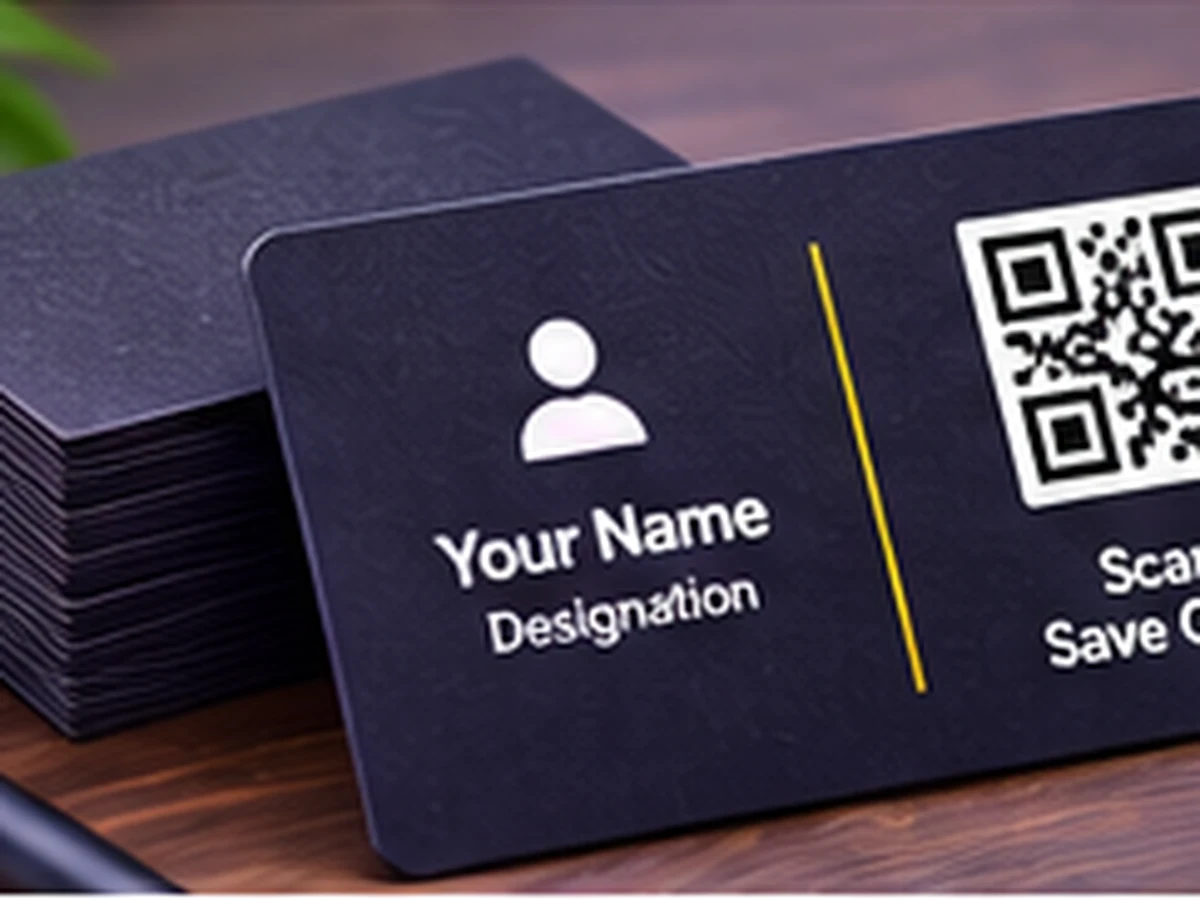
Corporate business cards
Printed on the reverse side of visiting cards for instantaneous smartphone address book entry.
Conference attendee badges
Attached to event lanyards enabling rapid contact exchanges during trade expos and summits.
Professional email signatures
Embedded in outbound PDF proposals and digital signatures for quick mobile phone saving.
Resume & CV header cards
Included on job applicant CVs allowing hiring managers to call or email with one camera tap.
Clinic and consultant reception desks
Positioned at front desks allowing patients to save emergency doctor contact numbers.
Real estate broker brochures
Printed on unit property flyers for direct buyer agent messaging.
Static vs. Dynamic QR Codes: Which One Do You Need?
Choose between permanent direct-encoded codes (free forever, zero accounts) and high-speed cloud redirects (update links anytime & track scans).
Static QR Code
Data is written directly inside the QR image. The camera scans it offline with zero servers involved.
- Never ExpiresWorks for life
- No Account RequiredNo sign-up or card
- Works 100% OfflineNo server hops
- High-Res Vector ExportsSVG, PDF & PNG
- Change Link After PrintingNo (Permanently etched)
- Scan Counts & AnalyticsNone (Camera-to-target)
Wi-Fi password signs, personal business cards, shop counter UPI plates, book pages, and permanent physical labels.
Dynamic QR Code
Points to a short link that forwards visitors. You can change where it goes anytime from your screen.
- Change Link After PrintingUpdate link anytime
- Scan Analytics & StatsTotal scans, devices, cities
- Fix Typos Without Re-PrintingZero reprint waste
- High-Res Vector ExportsSVG, PDF & PNG
- Password & Expiry LimitsOptional protection
- Server DependencyGlobal edge cloud redirect
Standard static vCard QR codes store your contact details directly inside the pixel pattern. Scanners save your contact card instantly even in basements, elevators, and trade halls with zero cell service or Wi-Fi.
Frequently Asked Questions About vCard QR Code
Demonstrable facts regarding data encoding standards, printing limits, security, and scanner app compatibility.
Does a vCard QR code save directly to the phone address book?
Yes. When scanned with iOS Camera or Android Google Lens, it opens a native contact card and asks the user to Save Contact or Create New Contact.
Does the person scanning need an internet connection?
No. Static vCard codes store all text details directly in the 2D matrix, so contacts can be saved completely offline without mobile internet.
What fields can I include in the vCard?
You can include first and last name, company name, job title, mobile phone, work phone, email address, website URL, physical address, and notes.
What is the difference between vCard and a normal website QR?
A website QR only opens a URL in a browser, whereas a vCard QR code directly populates the smartphone's address book application with verified contact fields.
Related QR code generators & technical guides
Discover complementary tools, industry formats, and print specifications for your business.
Ready to Generate Your vCard QR Code?
Create your code now with custom framing, verified high contrast, and vector SVG or high-resolution exports ready for screen or physical print.